Sign in once. See what is yours.
Getting your portal ready.
Your portal cannot reach Care Net right now
Nothing is lost. If this carries on, a sales executive can help.
Sign in to your portal
Enter your work email and we will send you a one time sign in link. There is no password to remember. Use the email your company registered with Care Net, and your Plans and Files are waiting.
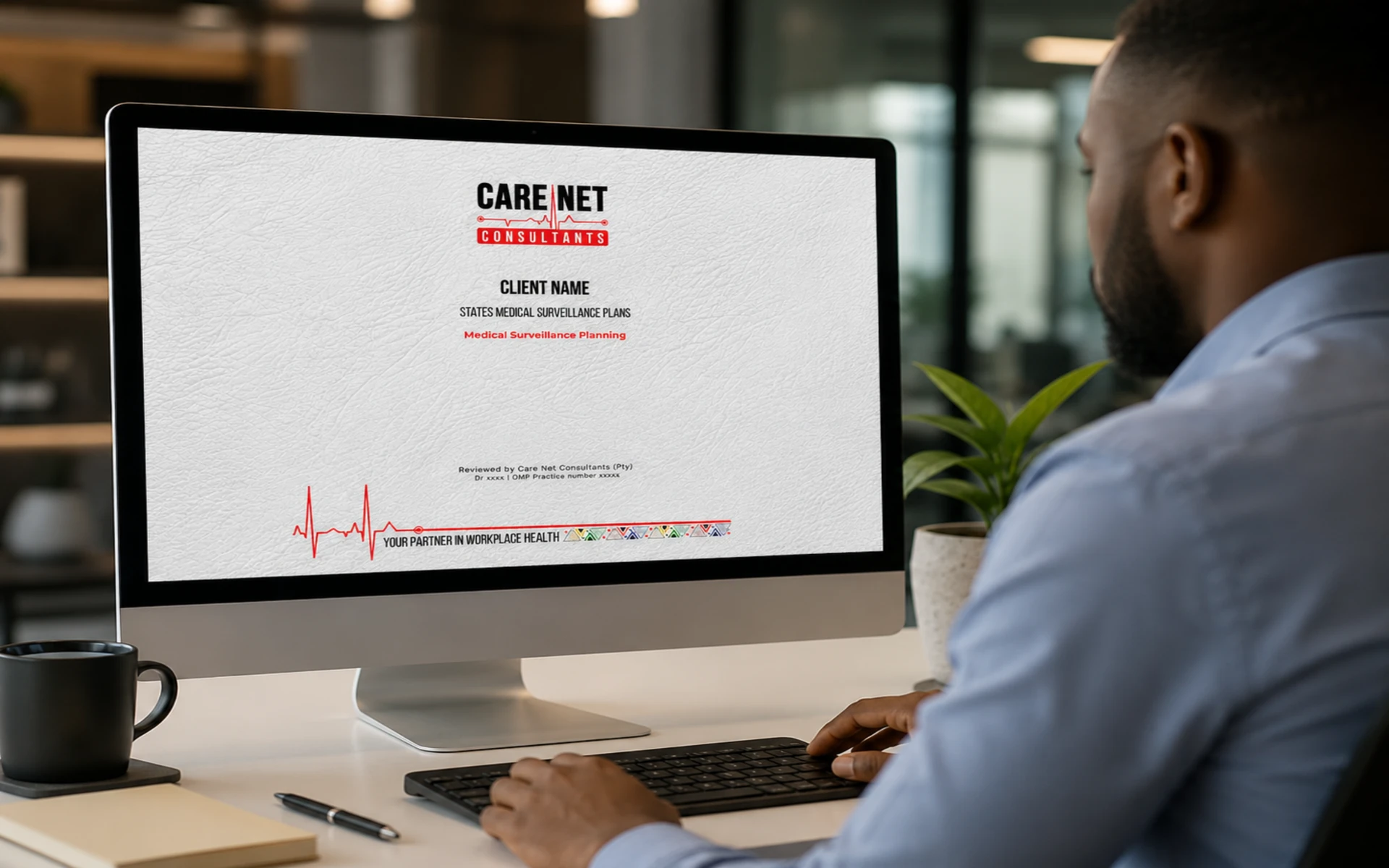
New to Care Net? Register your company in the Health and Safety File builder, or start a Medical Surveillance Plan, a separate Care Net product. Want to look around? See a demonstration.
Your company, Plans and Files.
Your account with Care Net, your Medical Surveillance Plans, your Health and Safety Files with their compliance figures and where each one is in review and sign off, and your quotations.
Company account
Sign in to see your company account.
Medical Surveillance Plans
Sign in to see your Medical Surveillance Plans and where each one stands.
Health and Safety Files
Sign in to see your Health and Safety Files, their compliance figures and where each one is in review and sign off.
No Health and Safety File yet. Build it free: every element the law asks of your industry, who owns it, the evidence behind it and the compliance figure per section.
Build my FileQuotations
Sign in to see the quotations prepared for you, with their reference, what they cover, the price and how long they are valid.
Your documents
Drop the documents you already hold into your File, section by section and department by department. You give consent first. Each document is fingerprinted in your browser and held securely in Care Net’s staging environment.
Uploads open once Care Net has finished testing, and only for companies Care Net has verified as clients; you can build your File before then. Every document is scanned for viruses and harmful content before it can move, stays in Care Net’s staging for at most two years, and can be deleted permanently by your company with a one time PIN while Care Net holds it.
My Clinic Online is not connected to the File builder yet. Once it is, each document transfers to My Clinic Online, where special personal information is protected, and the staging copy is deleted only after My Clinic Online confirms it has received an identical file.
Build my FileMedicals and training from My Clinic Online.
Certificates of fitness, training records and bookings are kept in My Clinic Online, the secure environment for your people’s special personal information. Your portal shows only what an employer may hold.
Your people’s records arrive when My Clinic Online is connected
The link between this portal and My Clinic Online is waiting on the My Clinic Online interface contract, which is pending. Until it is live, this side of the portal stays empty on purpose: nothing is guessed and nothing is made up. The three panels below show what will appear.
Want to see it filled in? See a demonstration with fictitious people.
Certificates of fitness
What will appear
- Every person in scope, matched on My Clinic Online’s own person reference, never on a name
- Each certificate: baseline, periodic and exit, and the construction, professional driving permit and mine certificates where they apply
- Issue date and expiry, with expiries flagged before they lapse
- The outcome an employer may hold: fit, fit with a restriction or not fit, with any work restriction
- The practitioner who signed
Training records
What will appear
- Every training record My Clinic Online holds for your people
- Provider, course or unit standard, date completed and expiry
- The certificate reference for each record
- The training matrix for every person in scope, which also fills your Health and Safety File
- Expired records with the renewal path
Bookings
What will appear
- Medicals and training booked with Care Net, with the date and the people booked
- Renewals falling due, so you can book before a certificate lapses
- The exact booking details follow the My Clinic Online interface contract, which is pending
Care Net screens fitness for work and does not diagnose. A certificate of fitness says fit, fit with a restriction or not fit, and no clinical detail ever reaches your portal or your File.
Staff tools
Your staff role
You are signed in with a Care Net staff role: none. The staff pages check your role again when they open.
Built to be served from My Clinic Online.
This portal is built to be served from inside My Clinic Online, so your company records and your people’s medical records open with one login. Every address on the page is relative and every setting comes from one shared configuration file, so the move needs no rewrite. Until My Clinic Online single sign on is agreed, which is pending, you sign in here with your work email.
Next steps
Build your File and your Plan free. A sales executive can walk you through either, and through the sign off.
Your information is handled under POPIA. Read our privacy policy.